
Tool · Interactive map
Moonlight Peaks Interactive Map
Tap pins for demo-verified POIs. Filter layers by category. Locked regions stay masked until launch — we never publish fake coordinates.
Fast Answer
This map uses percentage-based pins on a base image — not a GIS embed. Only POIs with official and store sources appear; everything else shows a launch unlock mask.
Base map from catalog.json → mapMeta.baseMapImage (T1 official screenshot). No GPS pins are published on this site yet; each future point needs a source URL or retail-build evidence. Locked regions are placeholders — not gameplay boundaries.
Keep exploring
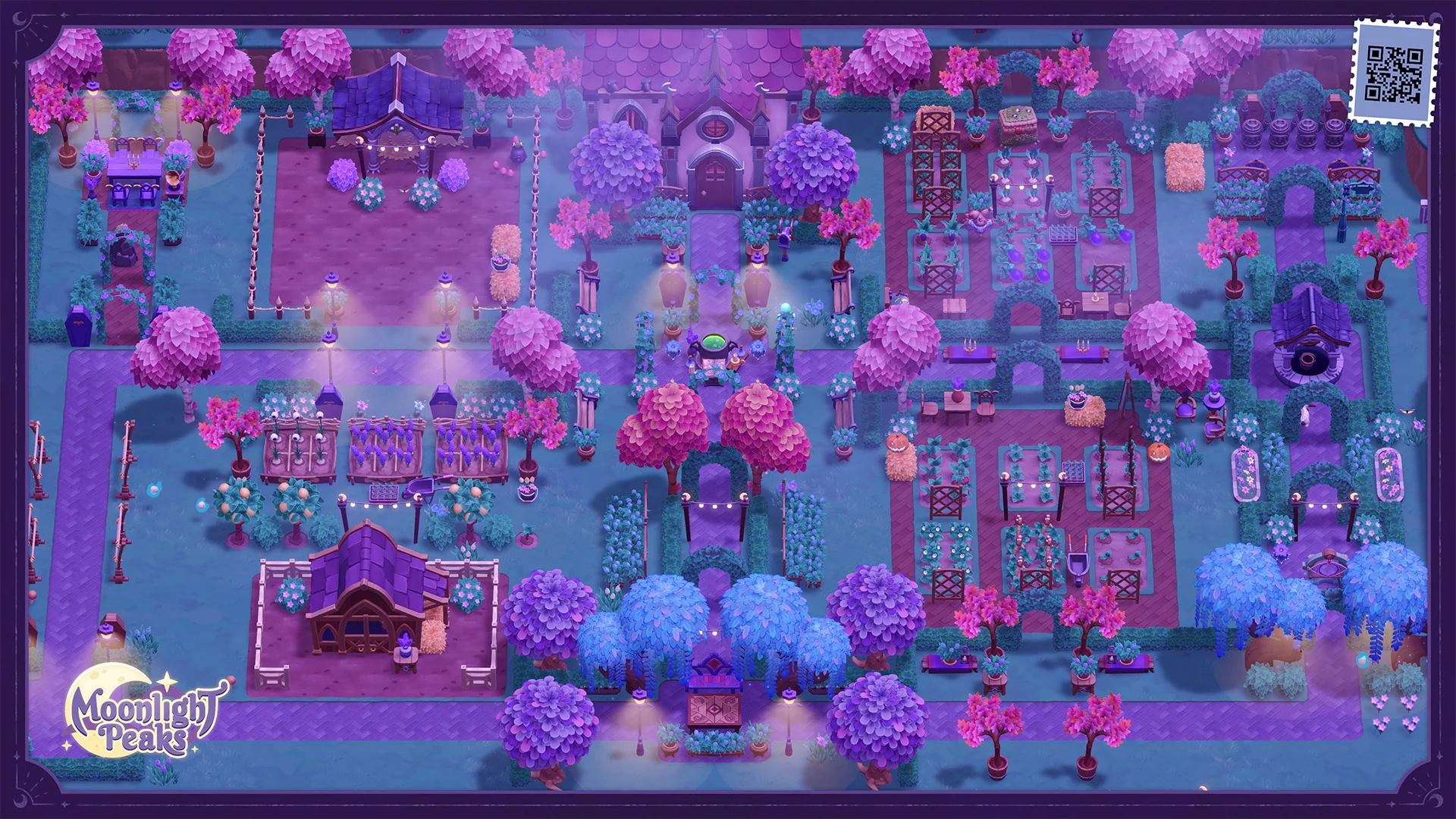
North forest — This region unlocks after retail verification
East highlands — This region unlocks after retail verification
West coast — This region unlocks after retail verification
Reference links for this tool
Interactive Map FAQ
Why are parts of the map locked?
POI coordinates are not published on this site yet. The map uses a verified base image and masks unverified regions so we never publish fake shop, NPC, or fishing GPS. Map guide
How do I add a POI I found in the demo?
Send coordinates and a screenshot through Help. We keep them out of catalog.json until retail-build or publisher-backed evidence confirms the x/y position. Report mismatch
Do filters save between visits?
Yes — your layer toggles and last selected pin are stored in your browser only (localStorage). Nothing is uploaded.
How does this relate to the fish and shops databases?
Fishing species stay on /fish and shop inventories stay on /shops. The map is spatial context only — no GPS coordinates are published on this site yet. Fish database